em desenvolvimentov0.46.030 de set. de 2026
Próxima versão pública
- v0.45.730 de set. de 2026
Configuração DCS reconhecida e janela preservada
- correçãoCorrigido o aviso de configuração pendente ao reabrir quando o nome do perfil DCS difere apenas em maiúsculas e minúsculas.
- correçãoAo retornar da tela de abertura, a área de trabalho recupera o tamanho, a posição e o estado maximizado salvos, respeitando os monitores disponíveis.
- v0.45.629 de set. de 2026
Configuração DCS sem caminhos bloqueados
- correçãoPerfis personalizados podem preparar uma área de imagem maior, com medição separada e revisão antes de aplicar.
- correçãoNovas sobreposições sugerem até 25% da altura do monitor; tamanhos salvos e ajustes manuais são preservados.
- correçãoAvisos específicos para a faixa inferior, vistas preservadas e posição do VDD, com alternativas no configurador.
- v0.45.529 de set. de 2026
Correções na configuração do DCS
- correçãoCorrigida a criação do perfil de monitores na primeira configuração do DCS quando a pasta de destino ainda não existe.
- correçãoA verificação de monitores atualiza a geometria e explica quando o DCS não renderiza a área disponível abaixo da tela principal, preservando escolhas e presets.
- infraDiagnóstico de suporte mais preciso para erros de configuração, recortes inválidos e recuperação, com o perfil ativo e leituras limitadas dos arquivos.
- v0.45.429 de set. de 2026
Escolha de idioma antes do login
- novoSeletor de idioma no launcher antes do login, com bandeira, nome nativo e título alternante.
- correçãoA primeira abertura aproveita o idioma do instalador ou do sistema operacional e preserva a escolha existente no tutorial, nos perfis e ao reabrir.
- correçãoTextos do launcher nos dez idiomas; os títulos das versões se atualizam ao trocar o idioma, também offline usando o cache.
- v0.45.328 de set. de 2026
Configuração DCS previsível e recuperação
- correçãoGeometria do DCS corrigida pela área cliente; perfis personalizados, vistas e exportações preservados. Quando necessário, a medição é solicitada explicitamente.
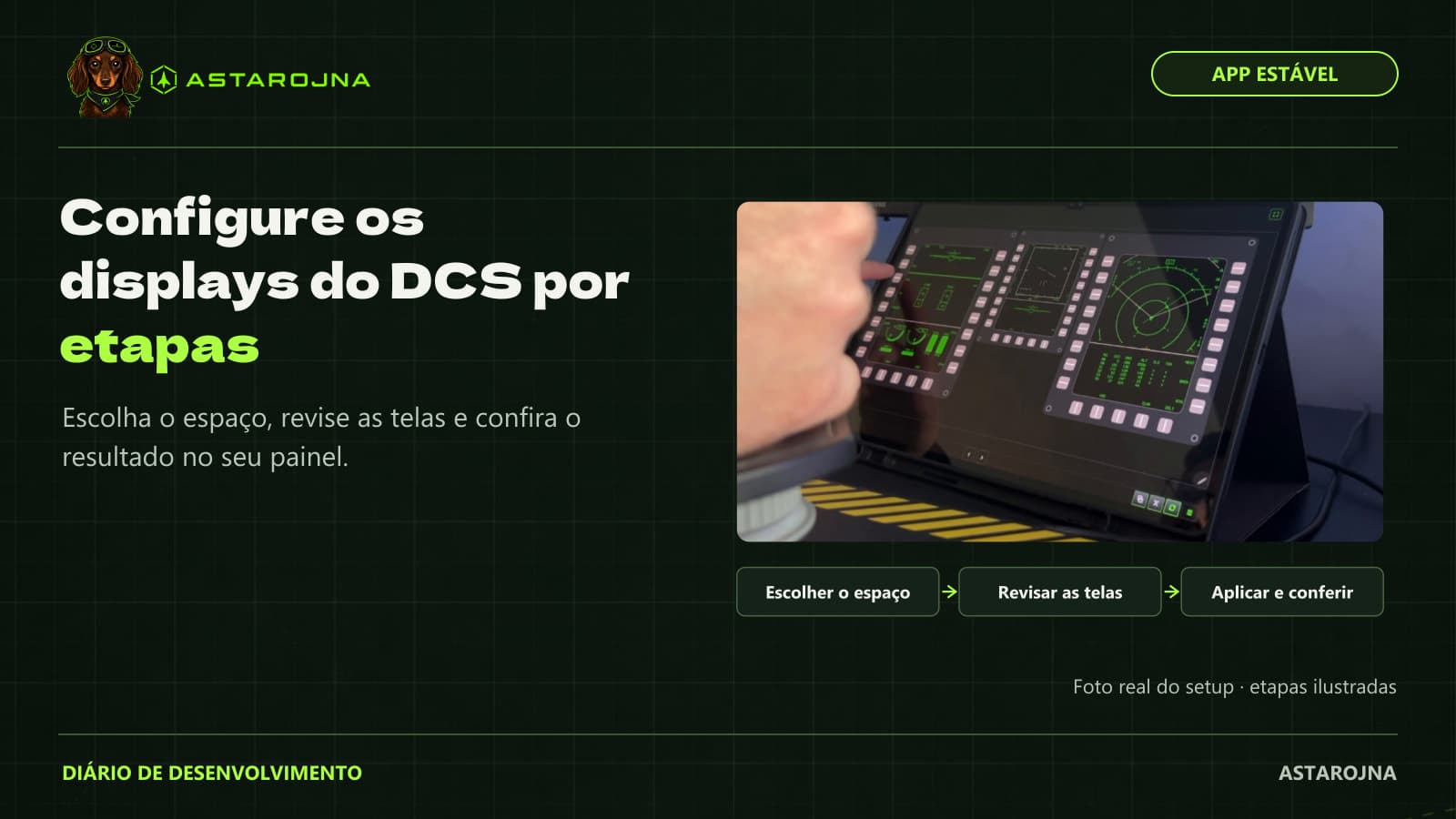
- novoRetome um rascunho e ajuste captura, exportações e imagem separadamente, com etapas claras para aplicar e recuperar.
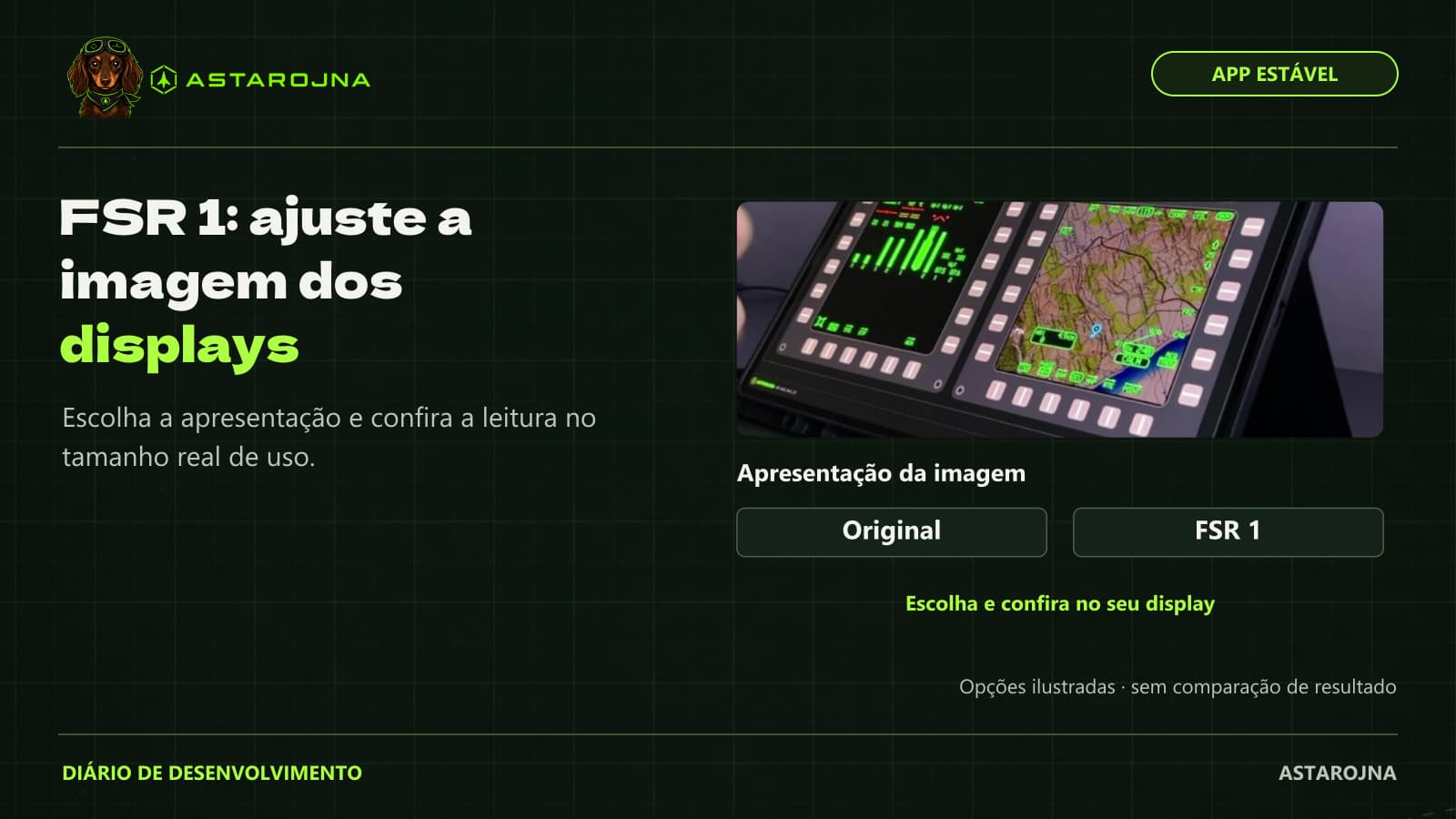
- correçãoNIS removido por instabilidade. Configurações antigas usam Original, mantendo cor e fator; FSR 1 continua disponível.
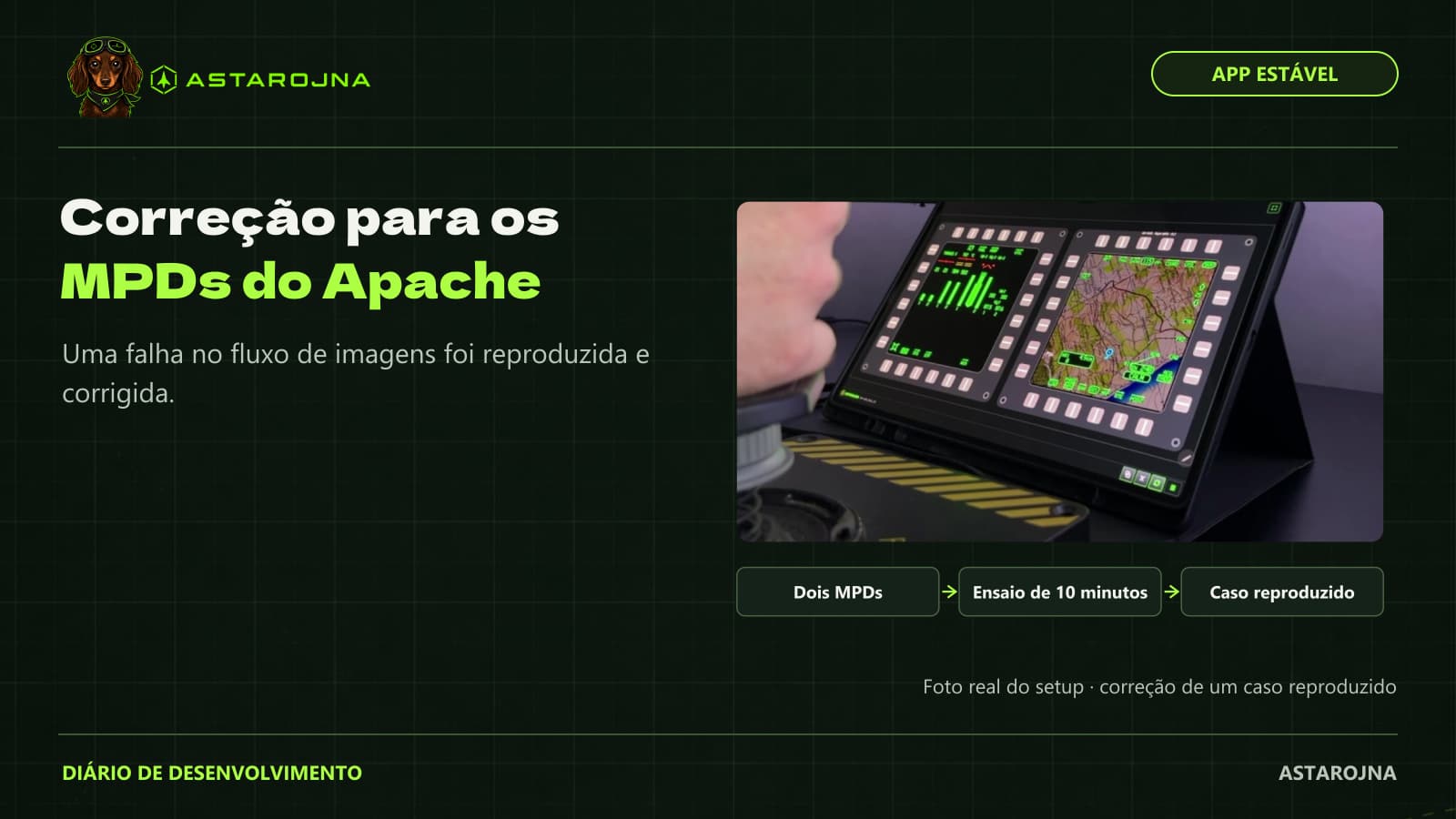
- correçãoCorreções no menu do DCS e nos MFDs, com instruções mais claras no configurador.
- v0.45.228 de set. de 2026
Configurador DCS e F-16 Beta
- correçãoEntrada mais clara, confirmação da instalação, RWR compartilhado e correções no cálculo de espaço e resolução.
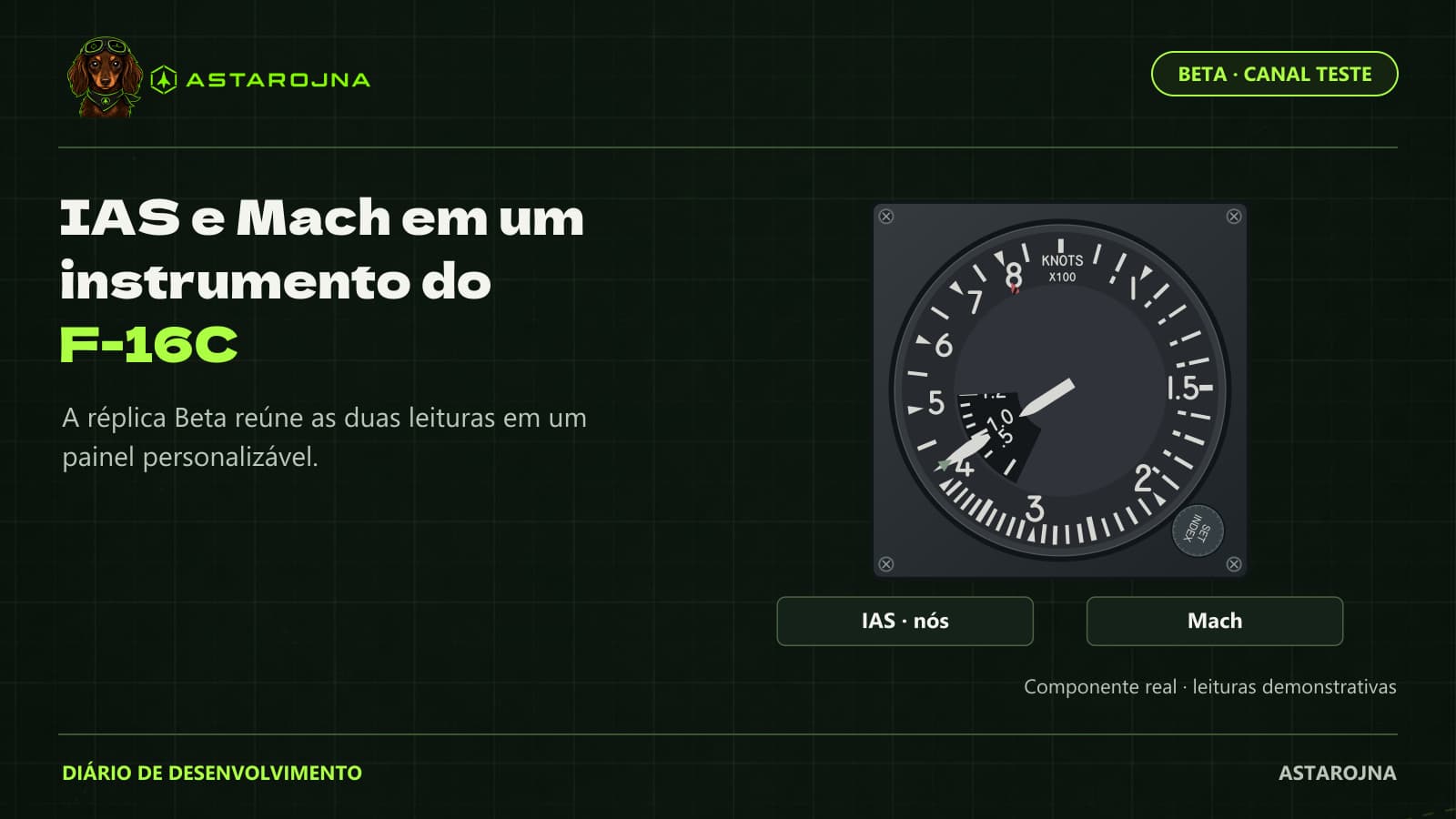
- novoAoA e VVI do F-16 Beta na biblioteca. Validação real no simulador e tablet ainda pendente.
- v0.45.128 de set. de 2026
Correções no menu DCS e nas telas
- correçãoMenu DCS limitado à vista principal.
- correçãoFontes nomeadas corrigem a associação dos MFDs e recuperam perfis antigos. O RWR do F-16C continua experimental: exige autorização explícita e backup antes da instalação; não foi validado em voo.
- novoAjuste nas dicas do monitor guiado e no aviso de integridade do RWR.
- v0.45.028 de set. de 2026
DCS guiado e melhorias dos displays
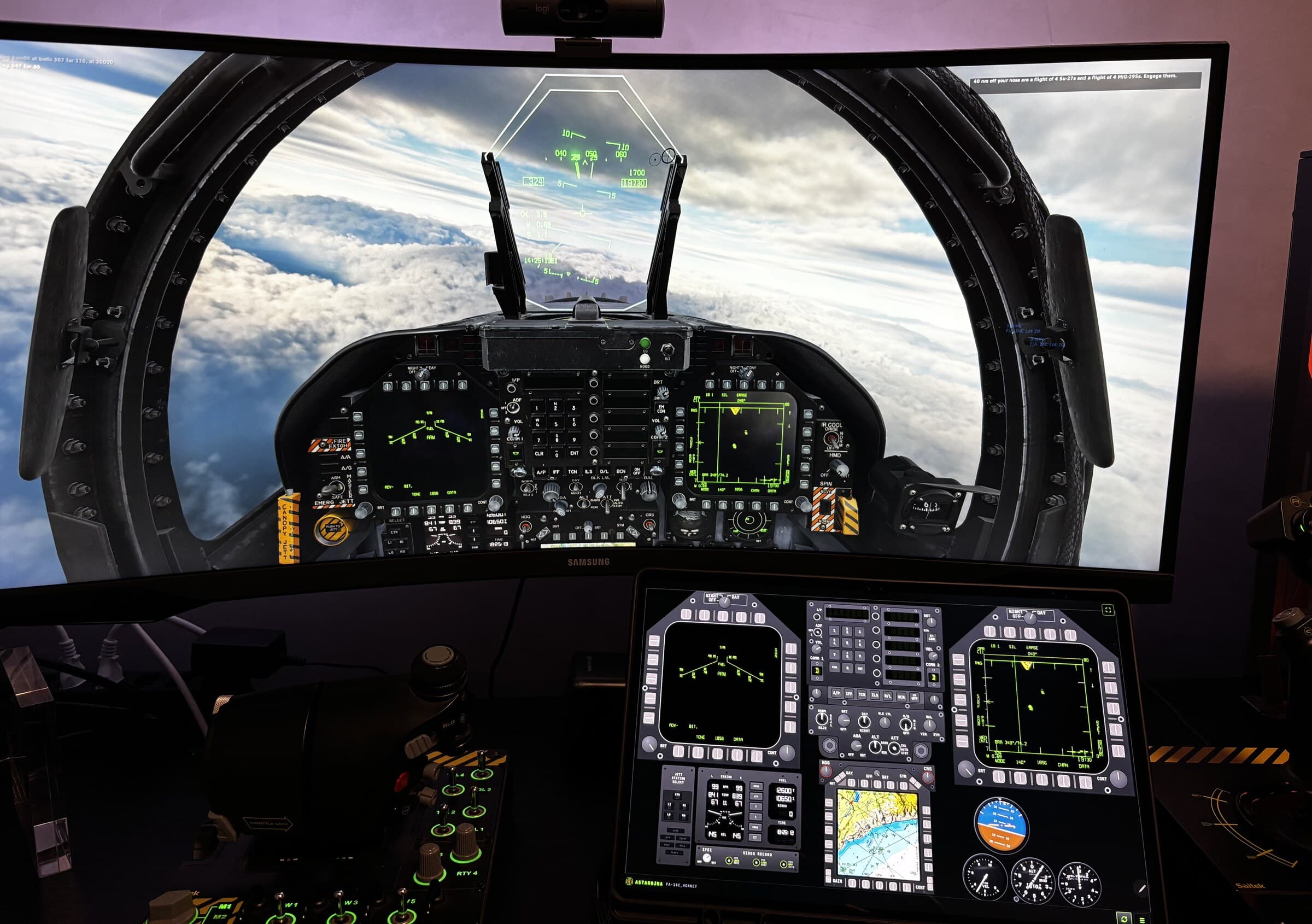
- novoConfigure o DCS com a Luna: uso, RWR compatível, espaço, telas e resolução, com revisão e conferência no PC e no dispositivo.
- novoSalve presets pessoais, ajuste recortes e restaure ou remova a configuração com confirmação. O reposicionamento automático permanece desligado por padrão.
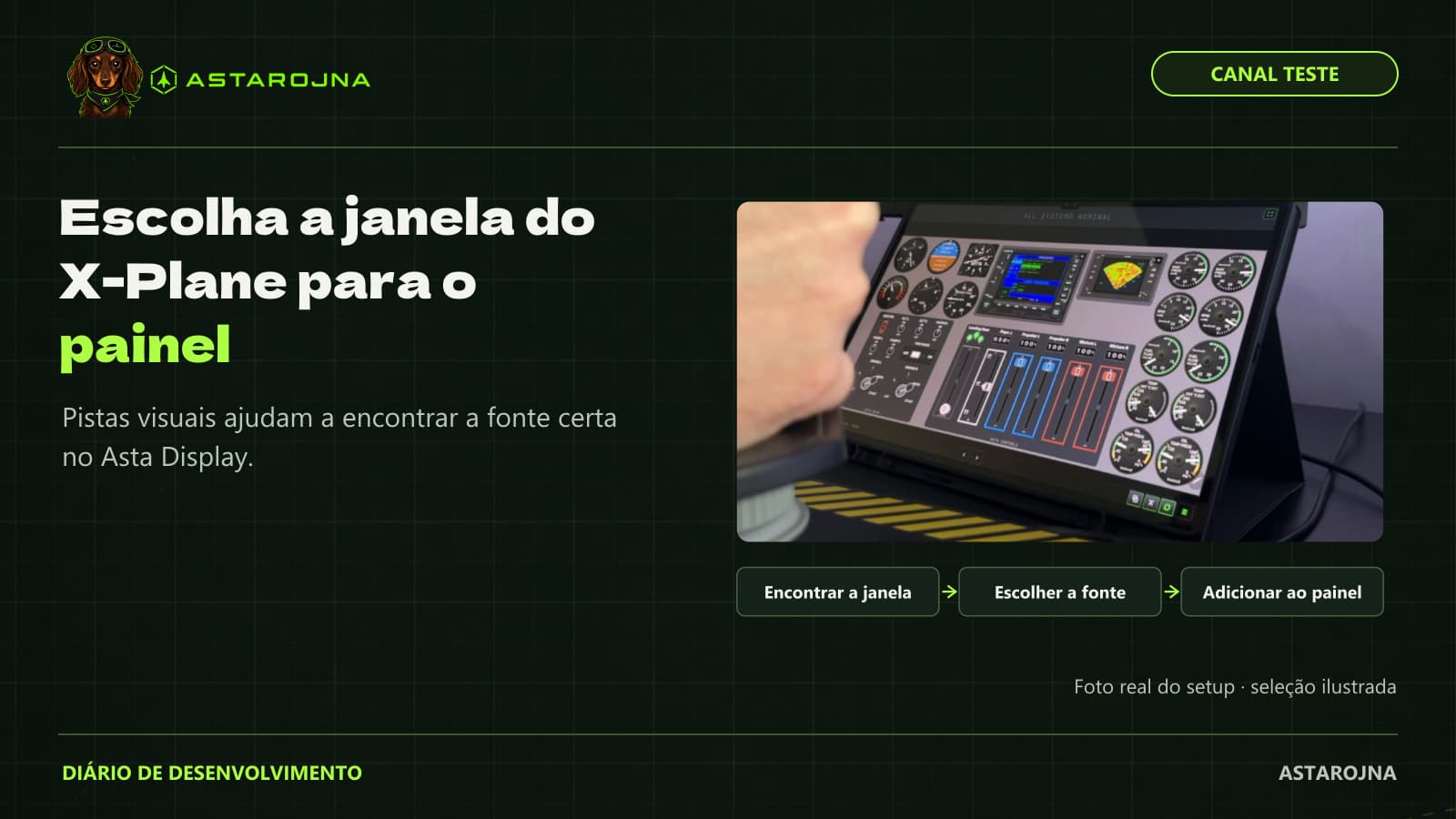
- novoVerificação e aviso de preparação ao selecionar DCS; orientação para destacar janelas do X-Plane e usá-las no Asta Display.
- correçãoHeadtracking exige ação explícita. Selecionar DCS não ativa FreeTrack nem escreve poses em um canal existente, protegendo o uso com OpenTrack.
- novoAjustes de cores, gama e luminância; comparação Original/FSR 1/NIS por instrumento no tablet. Acima de 2× é experimental e não recupera detalhes ausentes.
- novoBiblioteca com análise simulada, organização por função, downloads, likes e navegação; melhorias na câmera OBS e nos diagnósticos.
- infraFSX Steam segue Beta; IL-2 Great Battles e MSFS 2024 sem telemetria de produção. Molduras F-15E/F-16C/C-130J seguem Beta, com fontes provisórias ou incompletas; exigem conferência no simulador.