Test channel · X-Plane
Choose an X-Plane window for your panel
In the Test channel, Asta Display makes it easier to identify an instrument window in X-Plane 12.
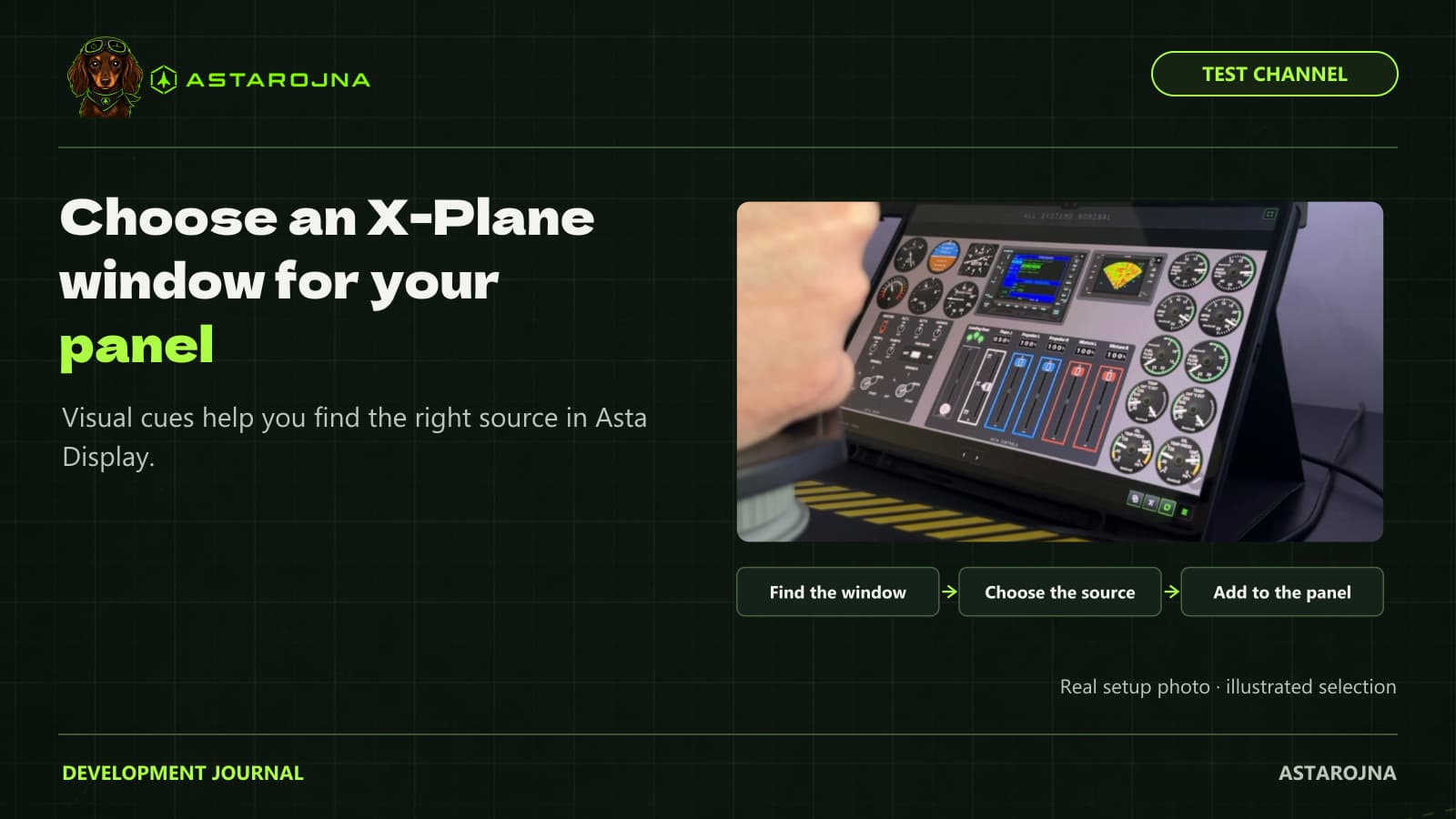
When several windows are open, finding the right image for a panel can take repeated guesses. The revised Asta Display selector adds visual cues and help you can open when needed, making that choice clearer in X-Plane.
The revised selection was introduced in Test channel version 0.45.24. It is particularly useful in X-Plane 12, where instrument windows can be highlighted in the list. Your choices depend on the windows the simulator and add-ons make available on your computer.
Identify the source by its image
Open a compatible pop-out window containing the instrument you want. In Asta Display, inspect the available sources and compare their previews with what is open in X-Plane. If you want a navigation display on your tablet, select the window showing that display and verify its content after adding it to the panel. A title alone may not distinguish two similar windows.
Why the list differs by version
On X-Plane 12, the selector prioritizes windows identified as instruments. You can show the full list if the initial suggestions do not include the one you need. X-Plane 11 and unrecognized versions retain a broader list. Illustrated help is available on demand, so you can revisit the process without keeping a tutorial open throughout panel editing.
Verify the source before flying
Windows with identical names remain separate choices. After selecting one, check that the correct content reaches the panel and continues to update. If another instrument appears, compare previews instead of relying on the title alone. Selection depends on the windows X-Plane and the add-on can pop out and share.