Test channel
Follow the same ticket on your phone
In the Test channel, a support conversation started in the app can be followed through your site account.
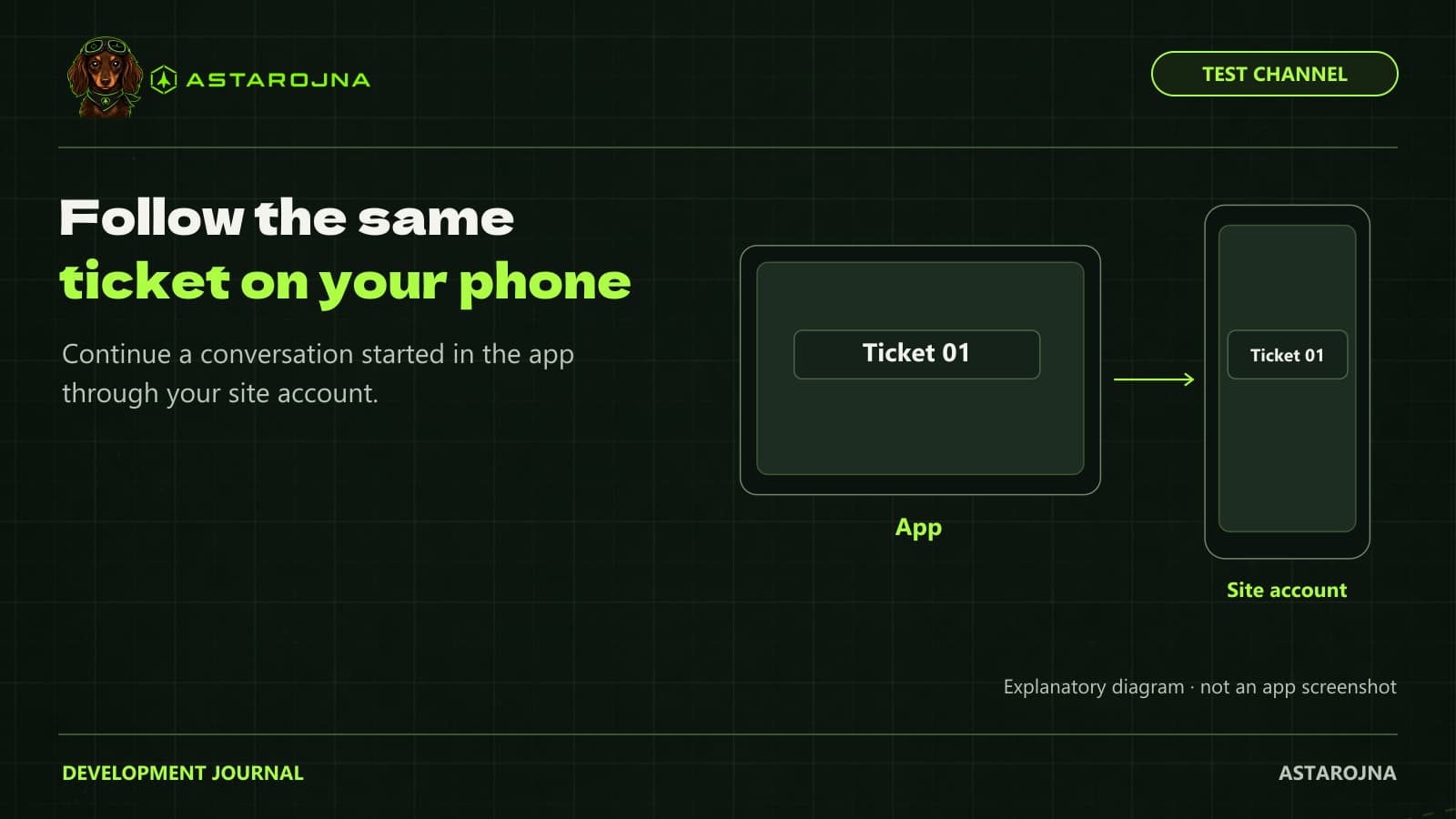
You might open a support ticket at your simulator PC and only have time to read the reply later, away from it. The app-to-site flow is designed for that situation: follow the same conversation through your account, including in a phone browser, without starting a new ticket each time you switch devices.
Ticket continuity was introduced in Test channel version 0.45.24. It lets you return to the discussion when you are away from your simulator. As this Beta feature evolves, check that each sent message appears in the history before leaving the conversation on a device.
One conversation across devices
Start in the app. Later, sign in to your account on the site and find the same ticket. Read the history before replying so the aircraft, version, and symptoms stay in context. For example, if a display disappeared after a resolution change, you can read the reply on your phone and return to the PC with a specific suggestion to try.
Online status is not a response time
The interface shows whether support is online or offline. You can send an update while an agent is offline if your device can reach the service. That records your message for later attention; it does not mean an immediate reply or round-the-clock support. If your connection drops, check that the update appears in the ticket history before assuming it was sent.
Current Test channel limits
For a technical issue, include the symptom, aircraft, app version, and what you have tried in the message itself. That context travels with the conversation when you switch devices. In the Test channel, check the ticket history when moving between app and site and report any update that does not appear.