Stable app · FSR 1
FSR 1: adjust your display image
Compare Original and FSR 1 at the size you actually use to read DCS displays.
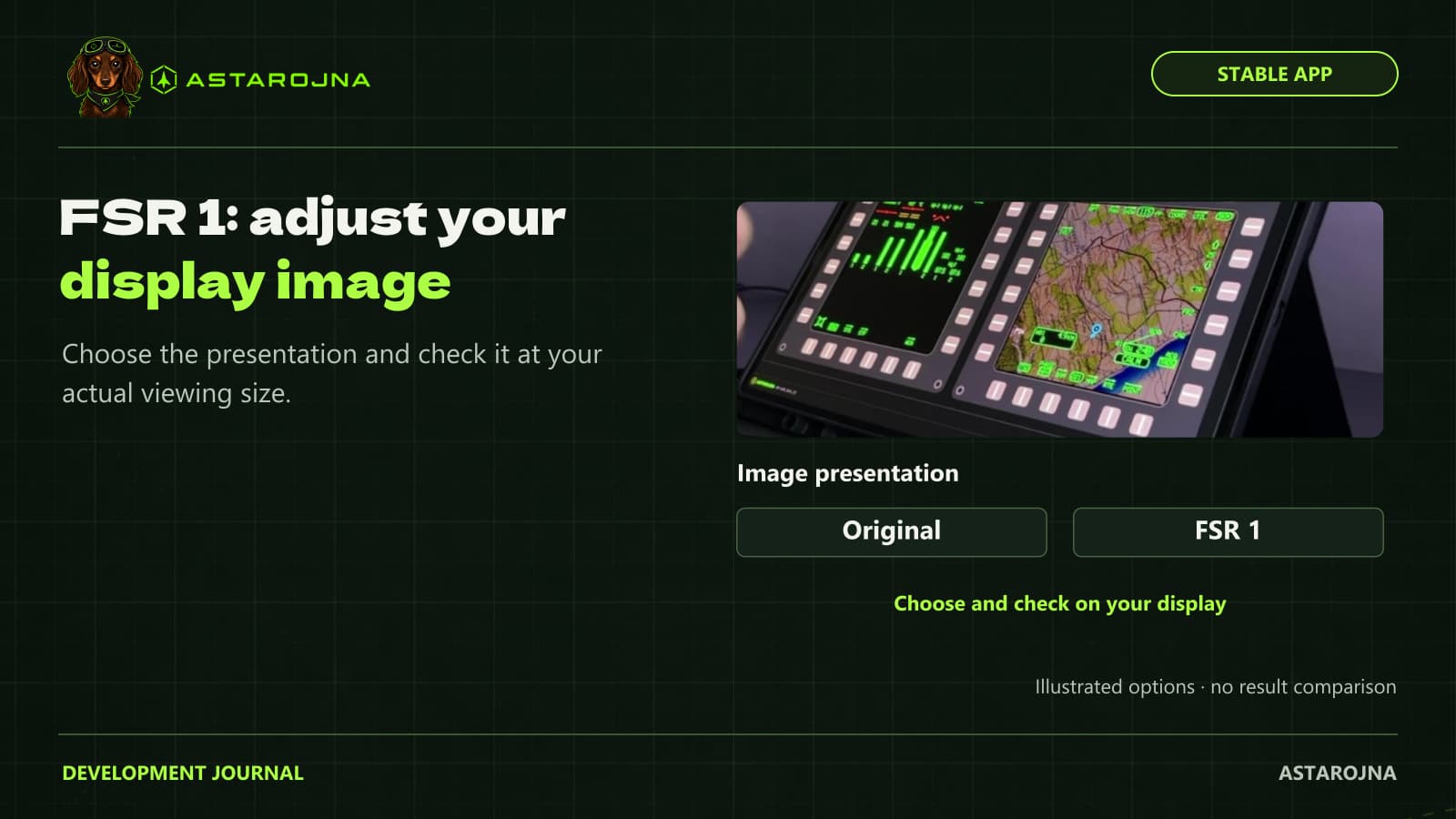
A display may start as a relatively small image and still need to fill a larger area on your tablet. Scaling changes the way lines, labels, and symbols look. Astarojna therefore offers Original and FSR 1 as presentation options for DCS displays.
FSR 1 was introduced in stable version 0.45.0. It offers another way to present the same image. The best choice depends on the resolution exported by DCS, your panel size, and how far you sit from the display.
Compare like with like
Pick a display with small text and symbols you rely on during a flight. View it in Original, then in FSR 1, with the same content at the same final panel size. Judge it from your normal viewing distance. A sharper-looking edge in an enlarged screenshot does not necessarily make a small number easier to read on your tablet.
The source image still matters
FSR 1 scales and processes the image it receives. It cannot recover detail that DCS did not export. If labels are unreadable at the source, check the capture area and resolution first. Scaling factors above 2× are experimental; inspect fine text and any artifacts carefully before relying on them.
Choose for legibility
This feature uses FSR 1, not FSR 2 or 3. It does not generate frames or promise higher FPS. NIS was removed in version 0.45.3. Keep Original if it is easier to read; choose FSR 1 where it helps you recognize numbers and symbols quickly.