← Voltar à Wiki-rojna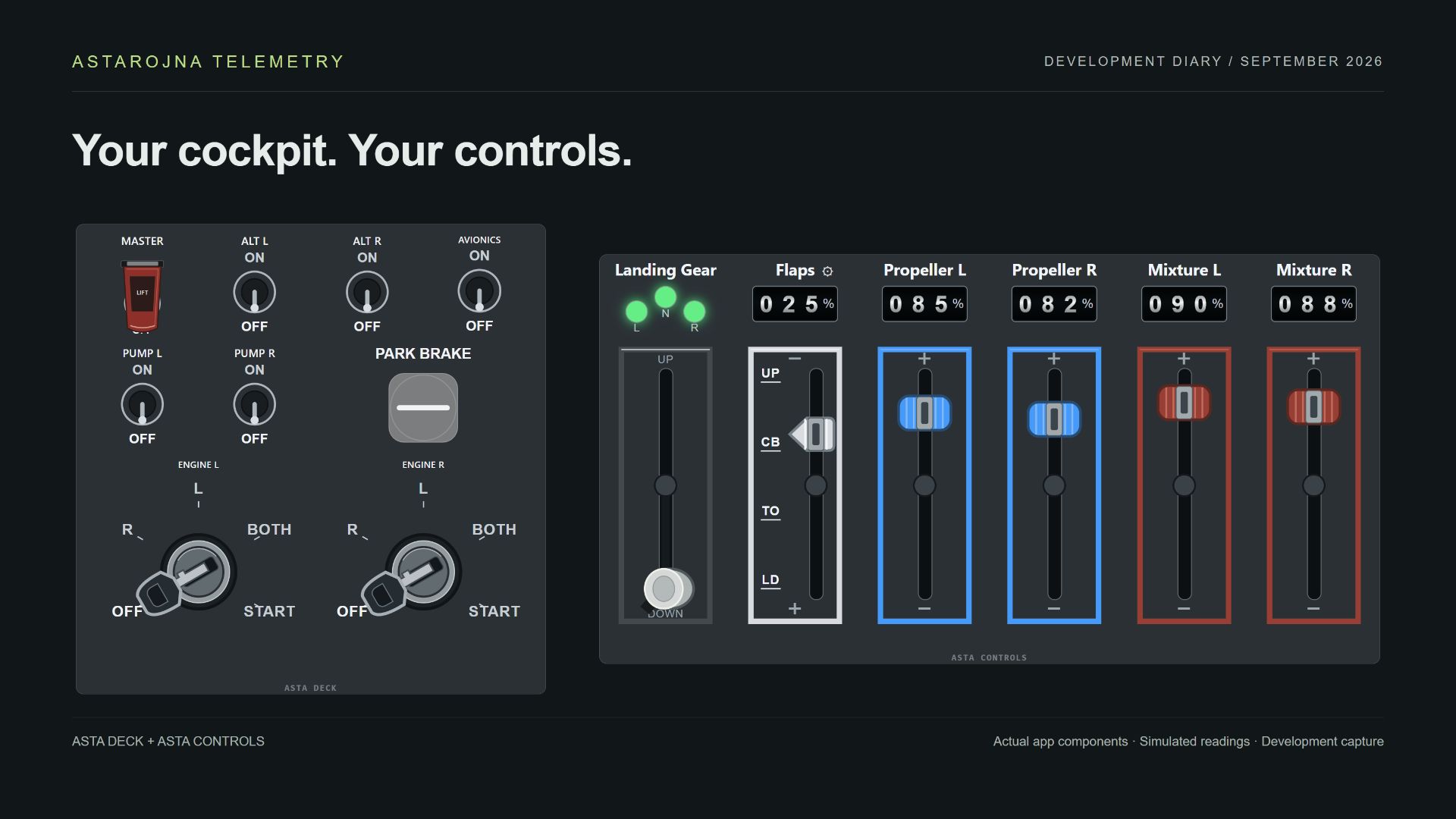
Asta Deck
Monte uma grade de controles para o seu cockpit.
War Thunder · DCS World · X-Plane 12
Disponibilidade de comandos e leituras varia por aeronave.
Como funciona
Monte uma grade de controles para o seu cockpit.
Configurar e usar
- Adicione botões, switches de duas ou três posições, proteção vermelha, knobs, sliders e chaves de ignição. Escolha o tamanho e arraste cada controle para a posição desejada.
- Clique com o botão direito ou dê dois toques para editar. Escolha teclado ou integração com o simulador; associe a ação de cada posição e, quando disponível, sua leitura de feedback.
Dicas
- ›O feedback acompanha o cockpit apenas quando o simulador exporta aquele estado. Um atalho de teclado sozinho não informa se o equipamento está ligado.